
IT Checklist 2026: 7 Technical Risks Cutting Into Your Profit Margins
Your business success in 2026 hinges on a rock-solid digital foundation. To protect your cash flow and ensure uninterrupted growth, make sure you check these boxes: a custom domain, properly configured Microsoft 365, active device protection and automated backups, a hardened, secure website, preventative maintenance, and guaranteed IT support.

Is your business infrastructure engineered for success in 2026?
We’ve seen too many ambitious plans crushed by technical failure: a crashed server, a website going dark mid-campaign, or an email system failing under pressure. When your business is 100% digital, even one day of downtime means drained cash flow and shattered customer trust.

1. Professional Communication
Your inbox is where contracts are signed and payments are confirmed. In 2026, operating without a dedicated domain (@yourcompany.com) is a major security and brand risk. Without a clear structure (e.g., sales@, billing@), vital information gets trapped in employees’ personal accounts—leaving your business vulnerable.
2. Centralized Control with Microsoft 365
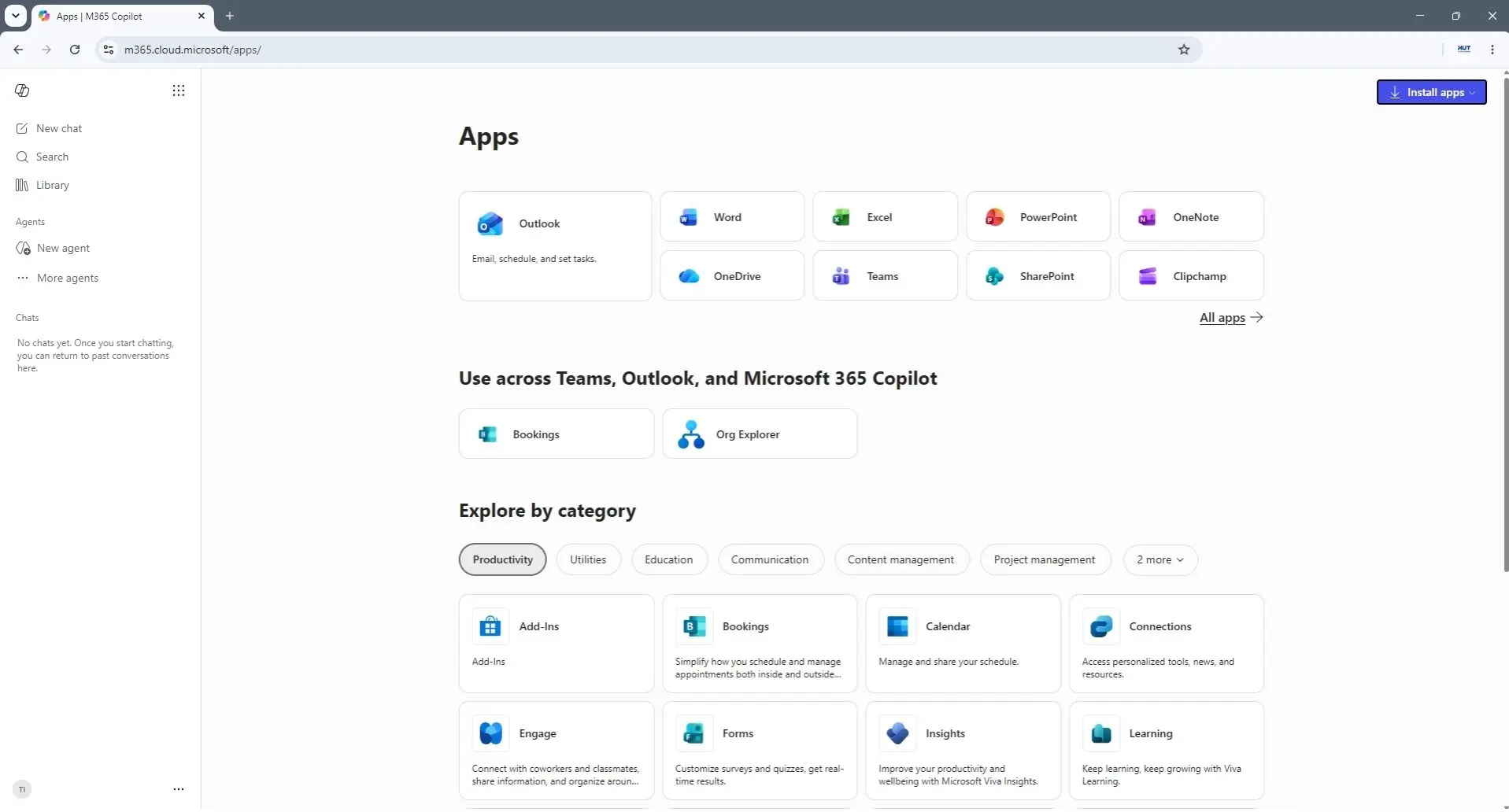
Microsoft 365 is no longer just a set of optional tools—it’s your operational backbone. It allows you to manage licenses, data access, and collaboration within a secure environment. This is the difference between having total command of your data or leaving it fragmented and vulnerable.
3. Your Devices: The First Line of Defense
The days of “install and forget” antivirus are over. Modern security requires real-time monitoring and active threat detection. If a laptop is lost or compromised, you must be able to remotely wipe or isolate that data instantly. This is the only way to prevent a single lost device from turning into a company-wide disaster.
4. The Safety Net: Cloud & Automated Backup
Stop wasting money on redundant work. Version control issues and accidental deletions are silent profit killers. By centralizing in the cloud and implementing periodically tested automated backups, you eliminate the nightmare of paying your team to redo work that was already done.

5. Your Website is Your Business’s Online Image
A professional website acts as a digital business card, building trust 24/7. In 2026, “cheap” hosting is an unacceptable risk. A site secured with SSL, updated plugins, and active backups guarantees that a client’s first interaction with your brand isn’t an error page.
6. Maintenance Prevents Crises
One of the biggest tactical mistakes is the “fix-it-when-it-breaks” approach. Most major technical failures in 2026 are actually small issues that were ignored: a postponed update or an expired license. Preventive maintenance transforms expensive emergencies into fixed, predictable costs.
7. IT Support: Who Answers When the Clock is Ticking?
In business, response time (SLA) is the ultimate measure of respect for your operations. You cannot afford to rely on “a tech-savvy friend” who might be busy exactly when you need them most. You need a contractual partner who guarantees clear intervention times, ensuring your business stays a priority, not an afterthought.
Start 2026 not just with hope, but with control.
Your IT infrastructure shouldn’t be a source of stress—it should be the silent engine propelling your business forward. The best management decisions for the new year are made now, before “emergencies” begin to dictate your agenda. A well-executed checklist provides the one thing money cannot buy in the middle of a crisis: reaction time.
Are you ready to secure your growth plans for the new year? Don’t let the first week of January give you the answer through trial and error.
Why is a business domain email more secure than a free one?
An email address using @yourcompany.com provides total administrative control. If an employee leaves the company, you can immediately block access to the account and recover the entire history of client communications. Furthermore, professional email services include much more advanced security filters against phishing attempts and malware than free providers.
Is Microsoft 365 necessary for small businesses, or only for corporations?
Microsoft 365 is highly scalable and especially valuable for small businesses. It provides access to the same security and collaboration standards used by major corporations, but at an affordable per-user cost. By centralizing documents and securing access from any device, it eliminates digital chaos and ensures your team stays productive and protected.
How often should we verify if our backup is functional?
Simply having an active backup system is not enough; it must be tested periodically. We recommend a "disaster simulation" at least every 6 months (or quarterly for critical data) to ensure that your files can be recovered completely and quickly if the need arises.
How long does it take to implement these security measures?
Most of the solutions mentioned (Microsoft 365, cloud backup, email security) can be configured within a few days without disrupting your team's current workflow. The key is a planned transition, ensuring that users are guided step-by-step through the adoption of these new tools.
What if we already have old equipment? Can it still be secured?
Yes, many devices can be secured, but the process begins with a rigorous audit to ensure the hardware supports the latest software versions. We primarily focus on workstations, where a critical issue today is that Windows 10 no longer receives security updates, representing a major vulnerability for your business. If current equipment cannot run modern versions like Windows 11, securing them through firmware or Endpoint Protection alone becomes insufficient. In addition to software limitations, hardware failure rates increase with age. The same logic applies to servers, where the stakes are even higher: a 7-8 year old server poses a major risk of failure that can halt your entire operation. This is why we firmly recommend migrating to the cloud, eliminating both physical hardware risks and the dangers of end-of-life software.
Do you want to start 2026 on the right foot?
Our team of experts is ready to secure your infrastructure and guarantee your business continuity.